
Email response-time visibility · by Adit Microsys
Stop finding out from an angry client call. See every inbox before reputations and revenue are on the line.
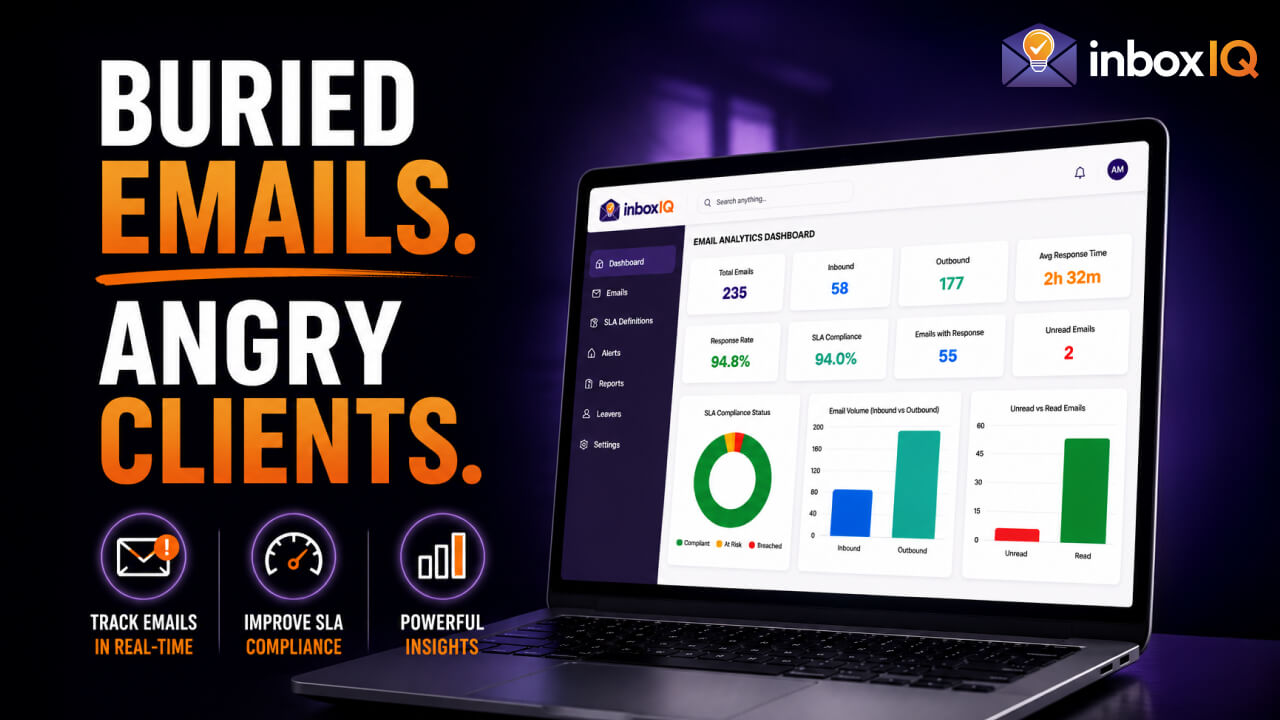
inboxIQ shows customer-facing teams and leaders which emails need a reply, how much time is left, and who is falling behind - inside Outlook and on one live dashboard.
 Microsoft 365 Connected
 Gmail Enterprise Sync
 Exchange on-premises (EWS)
“We had no way of knowing which customer emails were at risk until they had already breached SLA.”
Customer-facing teams handle dozens or hundreds of emails daily, making visibility a major challenge for modern enterprises.
Response times vary wildly across teams without centralized oversight.
Shared mailboxes are invisible black holes for management metrics.
SLA definitions exist on paper but aren't tracked in real-time.
Holiday and business-hours exceptions cause inaccurate reporting.
When customer email goes quiet, leadership goes blind
A key account sends an urgent request. Days pass. The CEO calls. Your executive asks the manager; the manager asks the team. No one can say with certainty what was answered, what was missed, or how long the client has been waiting.
Unpredictable response times
Performance varies by person; no single view across the team.
No management visibility
Leaders cannot see which conversations are overdue or due soon.
Promises only on paper
Reply commitments exist in contracts or policy but are not tracked live.
Wrong hours, wrong numbers
Nights, weekends, and holidays distort reports unless the system knows your working calendar.
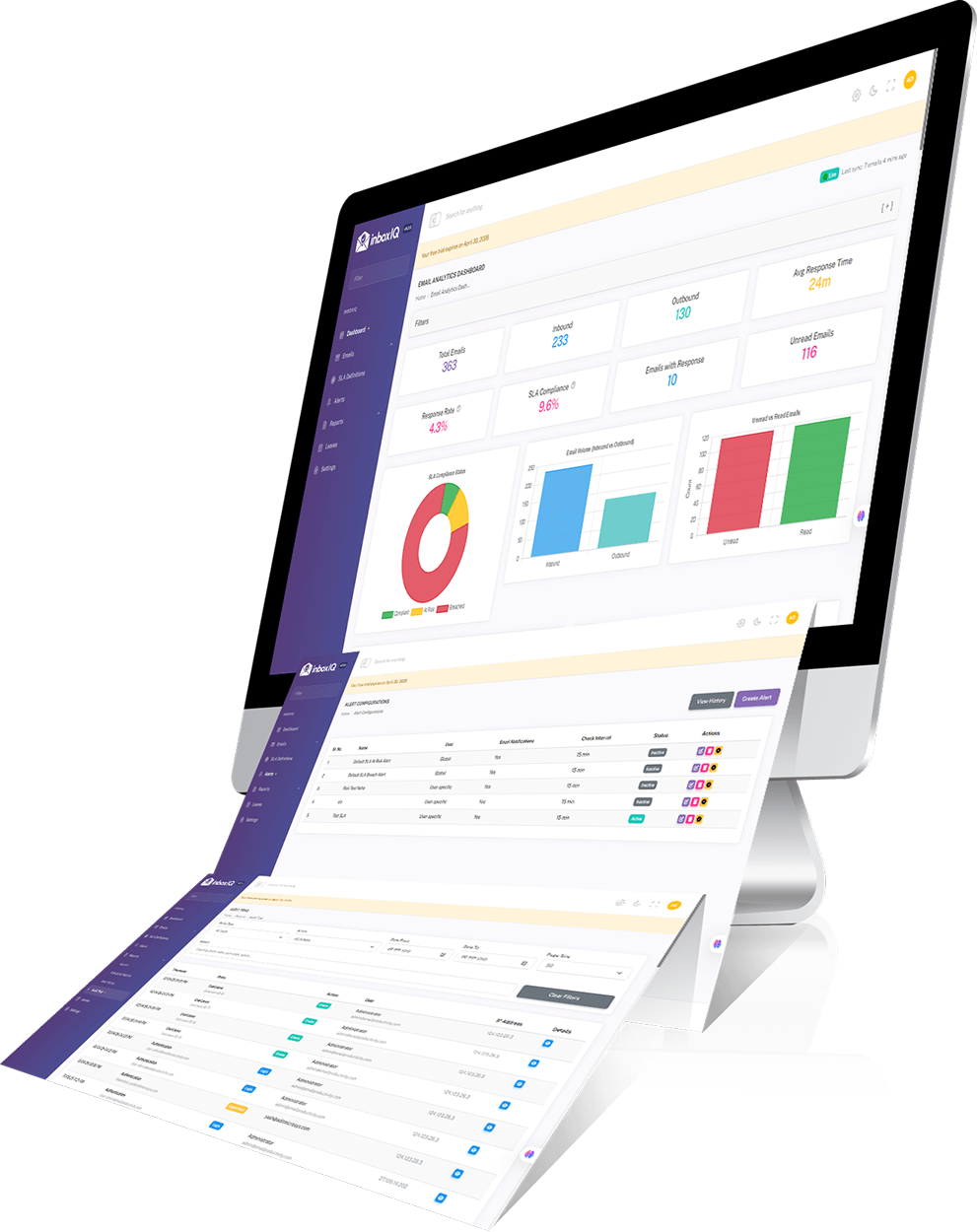
inboxIQ connects to your mail system and shows the numbers that matter - without changing how your team works.
How it works
Connect
Link Microsoft 365, Gmail, or on-prem Exchange. inboxIQ syncs mail metadata and tracks threads automatically.
See
Every team member sees reply deadlines and status in Outlook. Managers see the full picture on one Live dashboard.
Act
Alerts fire when a reply is due soon or overdue. Priority lists show what to handle first. Reports go to leaders on a schedule.
What inboxIQ Does
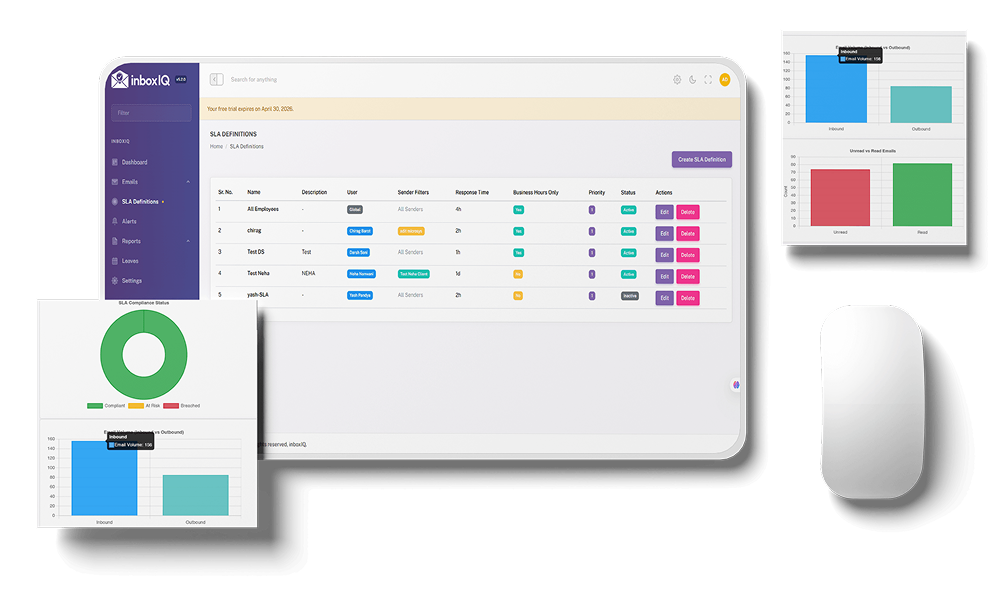
inboxIQ plugs into your existing email environment and starts measuring how fast your team replies - against the deadlines you define per client, group, or priority. Agents keep using Outlook. Managers get a live performance view. Alerts go out before a client has to chase you.
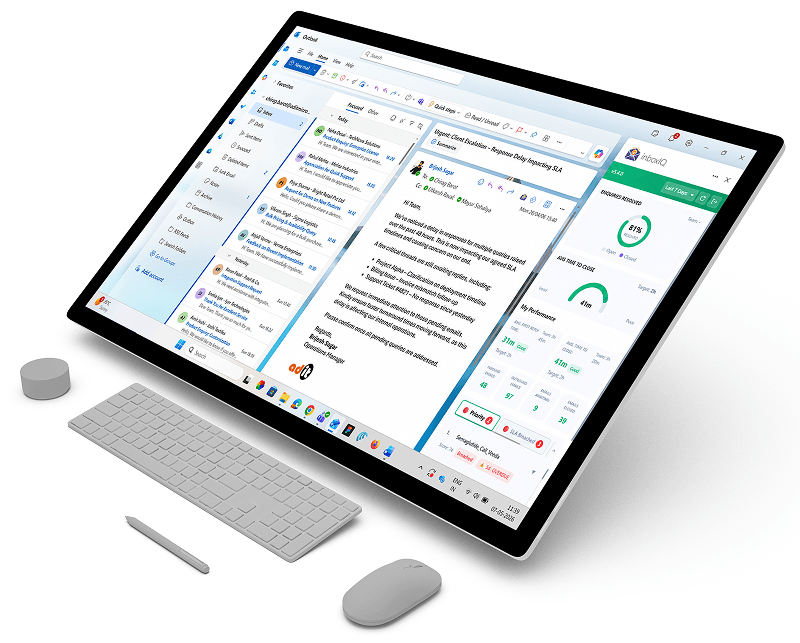
Insight inside Outlook - not another tab to forget
Your team stays in Microsoft Outlook. inboxIQ adds deadline status, time remaining, and team metrics in a panel beside the inbox. Chrome extension available for Gmail and Outlook on the web.
- check_circle See what's overdue
- schedule See time left
- dashboard Open the full dashboard when needed
Key Features
Response-time analytics
First-reply time, average response time, and volume trends, all calculated using your business hours.
Reply deadline management
Set response targets per client, client group, or priority. Automatic alerts when a reply is due soon or overdue.
Team performance dashboards
Individual and team KPIs, leaderboards, drill-down to conversations. Live updates on the dashboard.
Smart priority inbox
Surfaces overdue and due-soon emails using deadline-aware scoring (not generic AI sorting). Optional: AI can help flag emails that may not need a reply.
Alerts & notifications
In-app and email alerts when a reply is at risk. Scheduled performance reports for managers.
Scheduled reports
Templates delivered automatically; export to PDF or Excel.
Works inside Outlook & Gmail
Deadline timers and response metrics in a side panel - no extra app to open.
Audit trail
Full log of configuration and assignment changes.
Smart assignment
Route emails to the right person by workload or rules.
From reactive firefighting to a clear control tower
Before inboxIQ
- close “Did we reply?” - nobody knows for sure
- close Clients escalate before you notice
- close Spreadsheets and gut feel
After inboxIQ
- check_circle Every thread has a visible status and deadline
- check_circle Alerts while there is still time to respond
- check_circle One dashboard across teams and sites
Protect reputation and revenue by seeing email performance before the CEO's phone rings.
Integrations & Deployment
Integrations
Microsoft 365
Gmail (Google Workspace)
 Microsoft Outlook Add-in
 Chrome Browser Extension
Exchange on-premises (EWS)
Chrome Browser Extension
Exchange on-premises (EWS)
Deployment
Deploy on your own Windows/IIS server, or talk to us about managed hosting.
Built for growing teams
Access control
Separate views for agents, team leads, and administrators
Org structure
Regions, sites, departments, and teams
Working calendars
Business hours and holidays per site
Security
Encrypted in transit and at rest; metadata-first storage; audit log
Deployment
Self-hosted or Adit-hosted
ISO 9001 : 2015
Who it's for
Customer support
faster replies, fewer surprises, no lost leads
Service desks
faster replies, fewer surprises, no lost leads
Sales teams
faster replies, fewer surprises, no lost leads
Frequently asked questions
Get started
Ready to bring full visibility to your team's inbox?
Choose the best way to explore inboxIQ today.

